
Create a Website Like/Better than https://drv.tw - Simple Version


Create a website like/better than drv.tw .......

About Drv.tw :- Publish your website with Google Drive Hosting ...

https://drv.tw/

 We are going to make a website better than it in just few minutes ......

steps :- Follow our Video !
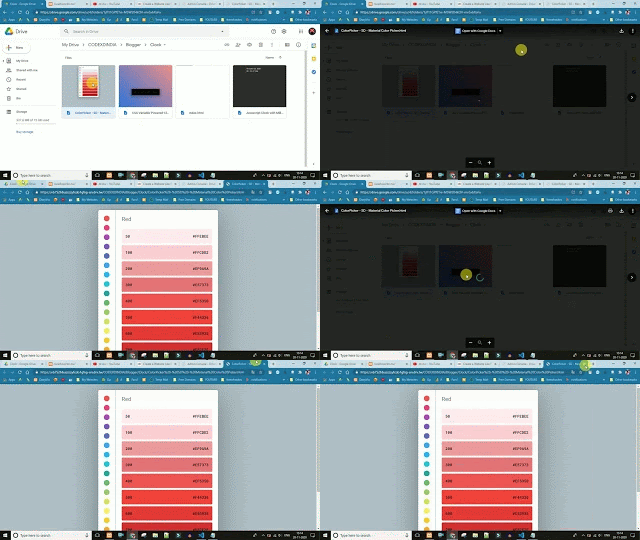


 Comment For More Advanced and deteiled video on this topic ....

  Content of Advanced Video ....

1. Hide Your Drive's File ID ...

2. Login/Sign Up Features to save your links and files ....

3. Custum User and File Url (SEO Friendly URL


Comments

ALEX said…
I want the advanced video of drv.tw
Please upload it soon

Popular posts from this blog

Top Free APIs Every Developer Should Know About

Top Free APIs Every Developer Should Know About In the world of software development, APIs (Application Programming Interfaces) are essential for integrating various functionalities into applications. Here’s a curated list of top free APIs categorized by their functionality: 1. Weather APIs OpenWeatherMap API : Provides current weather data, forecasts, and historical weather data for any location. Weatherstack API : Offers real-time weather information, including forecasts and historical data. 2. Maps and Geolocation APIs Google Maps API : Enables integration of interactive maps, geocoding, and route optimization. Mapbox API : Provides customizable maps, navigation, and location search capabilities. 3. Finance and Stock Market APIs Alpha Vantage API : Offers real-time and historical equity and cryptocurrency data. Yahoo Finance API : Provides access to financial news, stock market data, and por...

Git Conflict Guide 🚀

What is a Git Conflict? A Git conflict occurs when two branches have changed the same part of a file, and Git cannot automatically merge the changes. When you attempt to merge or rebase branches, Git will pause the process and mark the conflicted files. Steps to Resolve a Git Conflict 1. Identify Conflicted Files When you encounter a conflict, Git will mark the conflicted files. You can see these files by running: git status Enter fullscreen mode Exit fullscreen mode 2. Open the Conflicted File Open the conflicted file(s) in your code editor. You'll see Git's conflict markers: <<<<<<< HEAD Your changes ======= Incoming changes >>>>>>> branch-name Enter fullscreen mode Exit fullscreen mode <<<<<<< HEAD marks the beginning of your changes. ======= separates your changes...

Random Posts